Journal
Only Bundles · Build note
Aug 2, 2026
9 min read
By Top Notchh Team
Reviewed Sep 1, 2026
Sources: verified
Build your own box on Shopify: a practical BYOB guide
A decision-first guide to designing a Shopify build-your-own-box flow that stays clear on mobile and traceable through checkout, inventory, and fulfillment.
In brief
- Start with the selection rule, not the discount.
- Keep real component products traceable after add to cart.
- Test the full flow on mobile, through checkout, and into fulfillment.
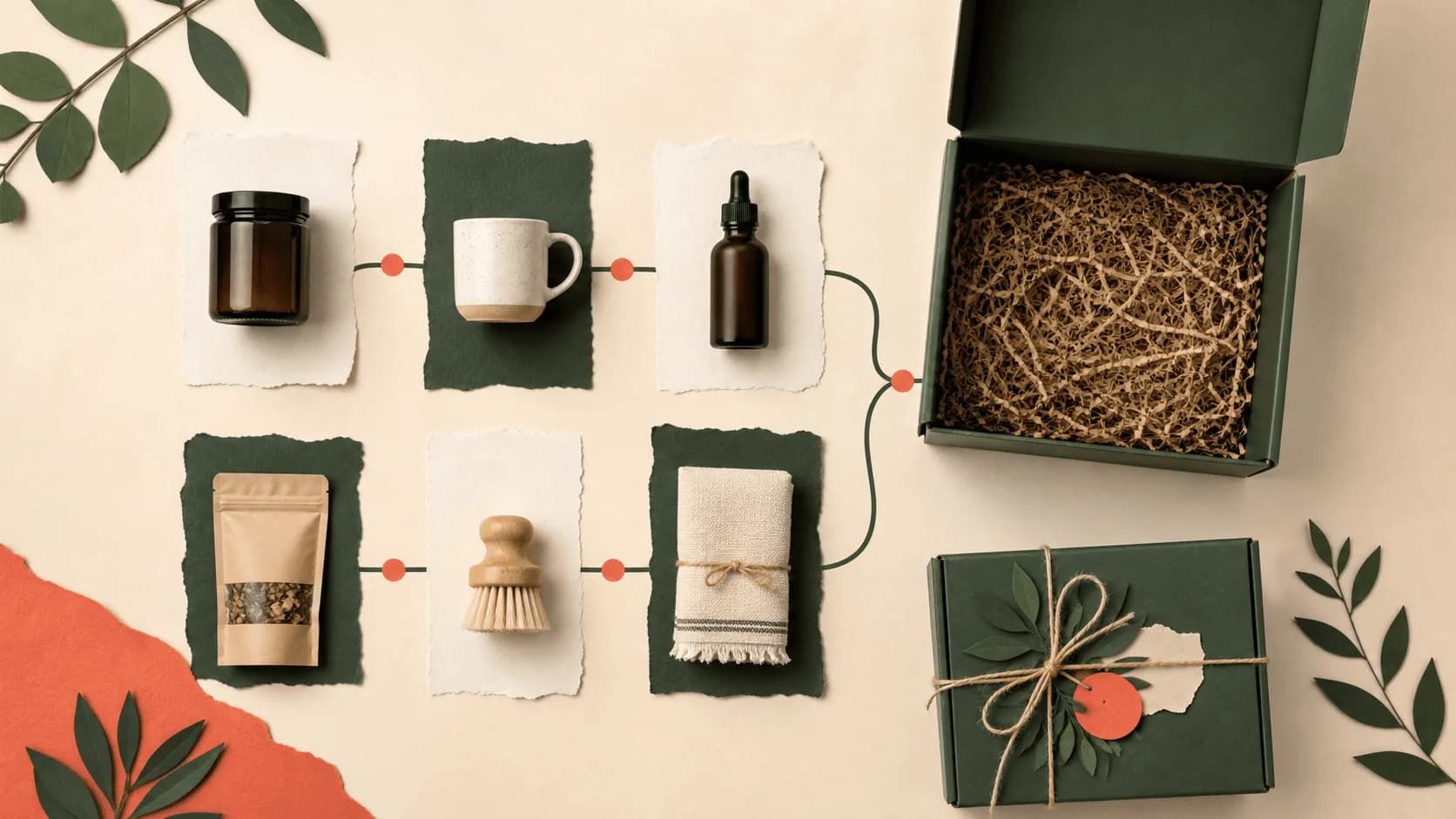
\n\nBuild-your-own-box is one of the clearest bundle patterns in modern D2C commerce.
It works because it gives the customer control without making them start from a blank page. The merchant creates the structure. The customer fills it.
That structure can be simple:
Pick any 6 snacks.
Or it can be more guided:
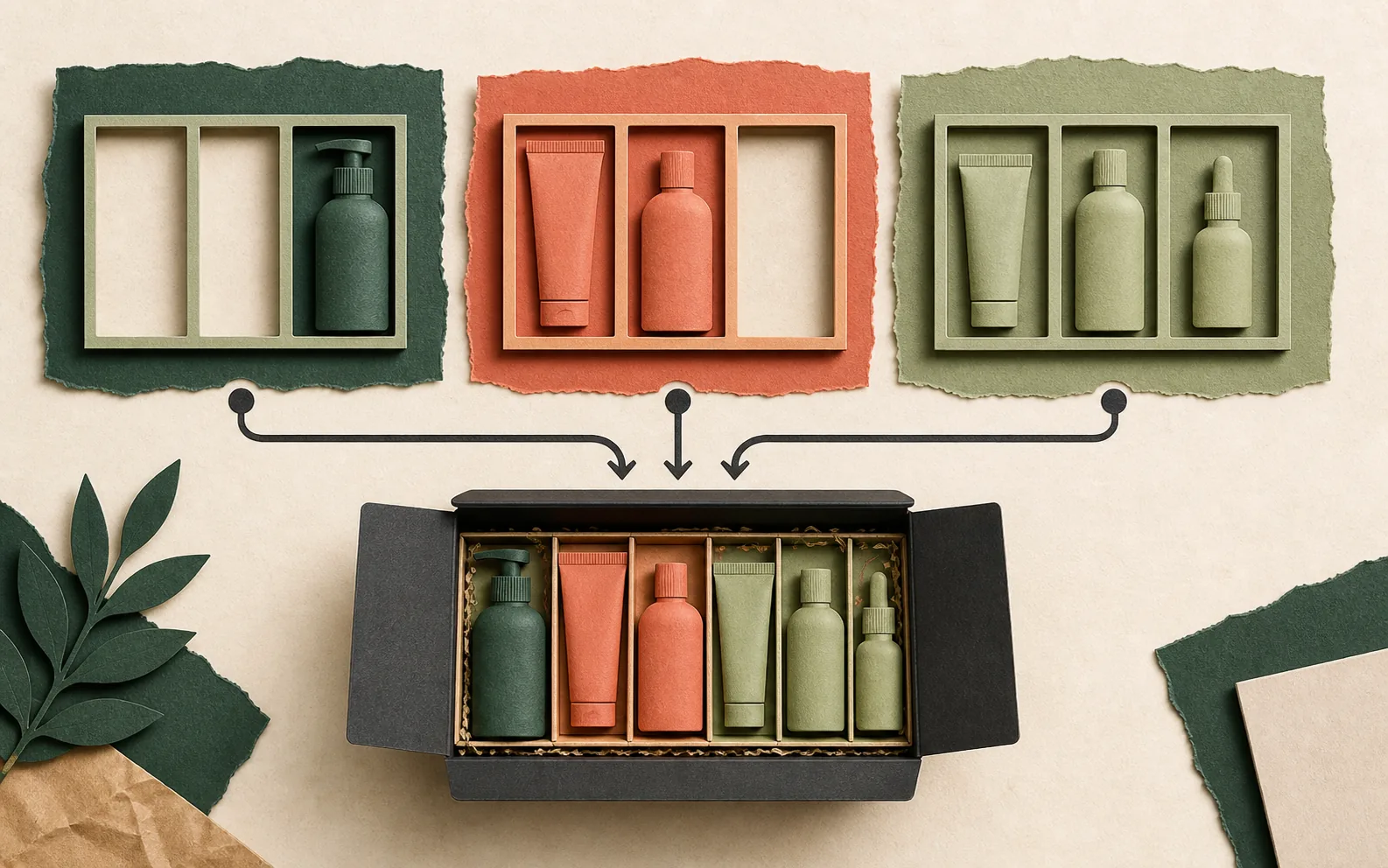
Choose one cleanser, two treatments, one moisturizer, and unlock a free gift.
Both are build-your-own-box experiences. But they require different product logic, storefront UX, discount behavior, and reporting.
BYOB is no longer only a nice merchandising idea. For the right stores, it can become a campaign landing page, gifting flow, subscription starter path, inventory movement tool, and average-order-value lever. The key is building it as a commerce workflow, not only as a visual grid.
What build-your-own-box means
Build-your-own-box, often shortened to BYOB, lets shoppers assemble a bundle from a merchant-defined set of products.
The merchant controls:
- which products are available
- how many products must be selected
- whether selections happen in steps
- whether categories are required
- which discounts apply
- whether gifts or add-ons unlock
- how the completed bundle is added to cart
- how the order appears for fulfillment
The shopper controls:
- which products they want
- which variants they prefer
- whether to add optional extras
- when the bundle feels complete
That balance is why BYOB works. It feels more personal than a fixed kit, but more guided than a generic collection page.
The best BYOB categories
Build-your-own-box works best when customers naturally compare, mix, or personalize products.
Strong categories include:
- snacks and beverages
- coffee and tea
- skincare and beauty
- supplements and wellness
- pet products
- candles and home goods
- baby products
- gifting brands
- meal kits
- hobby supplies
- starter kits
The common pattern is choice. If customers often ask which combination is right for me?, a guided bundle can help. If customers already buy multiple related products together, BYOB can make that behavior easier and more profitable. If customers hesitate because there are too many options, BYOB can reduce decision fatigue by creating a clear path.
Start with the customer job
Many merchants start BYOB planning with a discount. That is usually the wrong starting point.
Start with the customer job. Examples:
- I want to try multiple flavors.
- I need a complete skincare routine.
- I want to send a gift that feels personal.
- I want to restock my monthly essentials.
- I want a starter kit without choosing from the full catalog.
- I want to hit free shipping with products I actually want.
Once the job is clear, the bundle structure becomes easier.
A trial pack may need flexible product selection. A skincare routine may need required steps. A gift box may need packaging, message, and delivery expectations. A monthly essentials box may need repeat purchase or subscription logic.
The bundle should match the buying moment.
Choose the right BYOB structure
There are several common BYOB structures.
Pick-any bundle
The simplest structure:
Pick any 4 products from this collection.
This works for products with similar price, size, margin, and fulfillment behavior. It is easy for customers to understand. It is also easy to promote.
Step-based bundle
A guided structure:
Step 1: Choose a base. Step 2: Choose two add-ons. Step 3: Choose a free gift.
This works when the merchant wants to shape the bundle. It is especially useful for routines, kits, and boxes where product roles matter.
Category-based bundle
A category structure:
Choose 1 from Breakfast, 2 from Snacks, and 1 from Drinks.
This works when the merchant wants variety and balance. It prevents customers from building a poor or unprofitable set.
Tiered bundle
A value structure:
Buy 3 and save 10%. Buy 5 and save 20%.
This works when the merchant wants to increase quantity without forcing a fixed box size. It is strong for consumables and repeat-purchase categories.
Gift bundle
A gifting structure:
Build a gift box, choose products, add a card, and send it.
This works when presentation and intent matter as much as discount. Gift bundles should be judged by clarity and confidence, not only conversion rate.
The UX matters more than the discount
Discounts help. They are not the whole product.
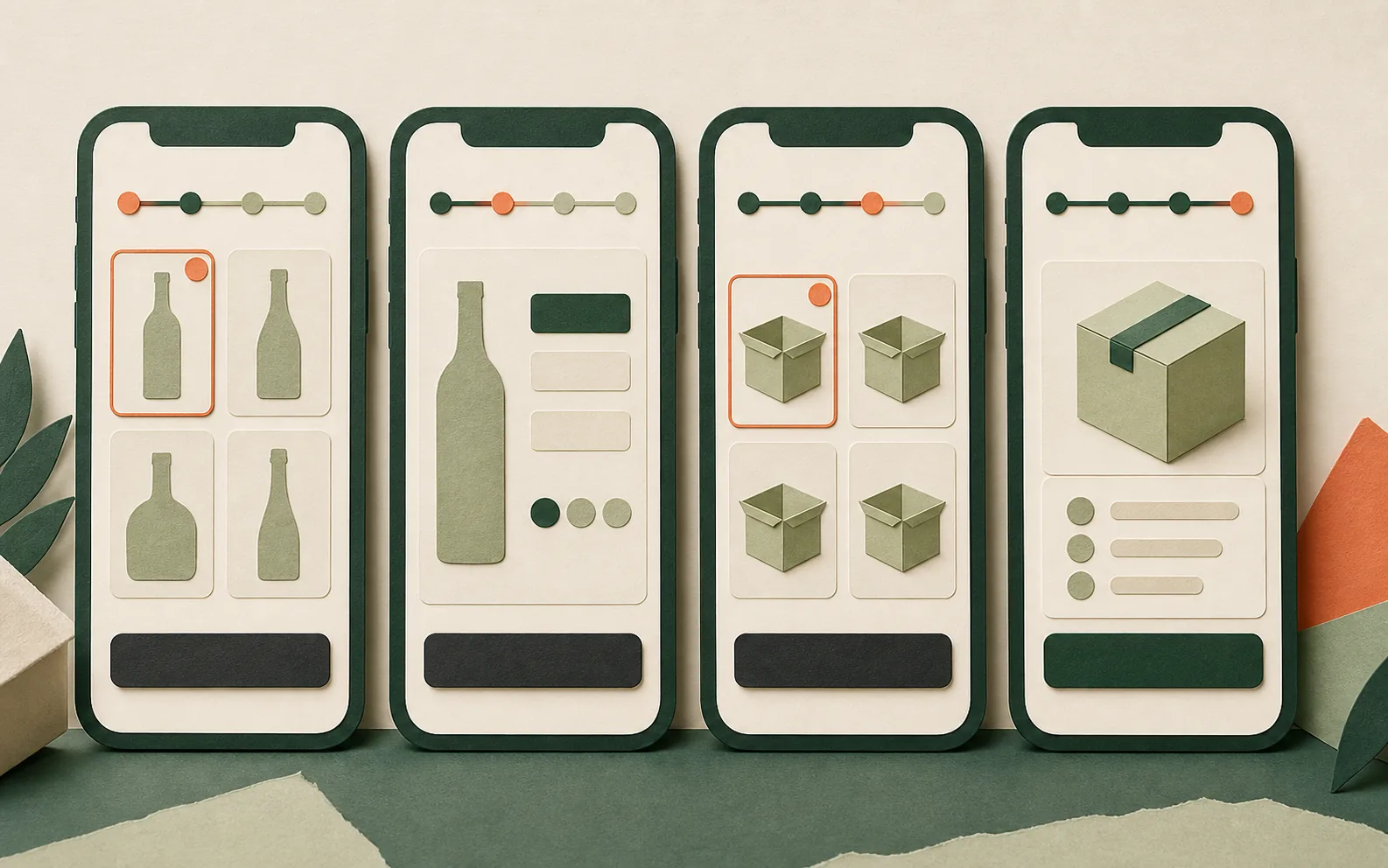
A BYOB page succeeds when shoppers always know:
- what they are building
- how many items are needed
- what step they are on
- which products are selected
- what the current total is
- what discount has been unlocked
- what to do next
If the page fails at those basics, a larger discount will not fix the experience.
Good BYOB UX usually includes:
- clear step titles
- visible selection counts
- product cards that are easy to scan
- variant selection that does not interrupt the flow
- progress messaging
- a persistent summary
- mobile-first controls
- helpful empty states
- clear disabled states
- checkout messaging that matches the offer
Mobile is especially important. Many BYOB pages look fine on desktop and become confusing on a phone. The summary can hide the products. The footer can cover buttons. Product cards can become too tall. Variant selection can create too many taps.
Merchants should test BYOB flows on a real phone before sending traffic.
Cart and checkout are part of the experience
The BYOB experience does not end when the shopper clicks add to cart.
The cart and checkout need to preserve trust.
A shopper should understand:
- which bundle they built
- which products are included
- what discount was applied
- whether free gifts or add-ons are included
- why the final total changed
The merchant should understand:
- what the customer selected
- which components need fulfillment
- whether inventory was respected
- how the order should be packed
If the storefront says one thing and checkout says another, the customer loses confidence. That is why BYOB apps need strong cart and checkout behavior, not only a polished builder page. The native vs bundle apps note explains why Shopify's Cart Transform + Discount Function primitives matter for reliable BYOB checkout.
Inventory can make or break BYOB
Inventory is harder in BYOB than in fixed bundles.
In a fixed bundle, the merchant knows the exact components. In a BYOB flow, the customer chooses the components.
This creates several questions:
- Should out-of-stock products be hidden?
- Should they appear but be disabled?
- What if a selected product sells out before checkout?
- How should variants be handled?
- Can the merchant prevent overselling?
- Does the bundle parent product have meaningful inventory?
There is no single answer for every store.
But there is one rule:
The app should not let the storefront promise a bundle the merchant cannot fulfill.
That becomes more important as the bundle moves into paid campaigns. An out-of-stock product in a normal collection is annoying. An out-of-stock item inside a paid BYOB campaign can waste spend and create support tickets.
BYOB works well for paid campaigns
A strong BYOB page can be a better campaign destination than a normal collection page.
Why? Because it gives the visitor a specific task.
Instead of:
Browse our snacks.
The page says:
Build your 6-pack.
Instead of:
Explore skincare.
The page says:
Build your morning routine.
That difference matters for paid traffic. A BYOB landing page can align ad creative, page promise, product selection, discount, and checkout into one path.
This is especially useful for:
- seasonal campaigns
- gifting moments
- product launches
- influencer campaigns
- first-purchase offers
- replenishment campaigns
- WhatsApp or SMS traffic
The merchant should still measure performance. A beautiful BYOB page is not automatically profitable. But the format gives merchants a stronger conversion surface than a generic collection when the offer is specific.
BYOB analytics should answer practical questions
Merchants do not need vanity dashboards. They need useful answers.
For BYOB, the important questions are:
- Which bundle page generated revenue?
- Which products were selected most often?
- Which step caused drop-off?
- Which campaign drove bundle orders?
- Did the bundle increase AOV?
- Did the bundle sell through target inventory?
- Did free gifts improve conversion or only reduce margin?
- Should this bundle be repeated, changed, or removed?
These questions are not only for marketers. They affect buying, inventory planning, product development, and merchandising. The best BYOB apps will make those answers easier to see.
Common BYOB mistakes
Too many choices
Choice is the point of BYOB, but too much choice hurts the shopper. If the page contains hundreds of products with weak filtering, it becomes a collection page with extra steps.
Unclear rules
Customers should not need to guess how many products they must choose or what unlocks the discount. The rule should be visible before the customer feels stuck.
Weak mobile layout
BYOB often fails on mobile because summaries, buttons, cards, and filters compete for space. Test the full journey on a phone, not only the first screen.
Discount-first thinking
A large discount can hide a poor bundle structure for a short time. It does not create durable merchandising. The best bundles make sense even before the discount.
Checkout mismatch
If the cart or checkout does not clearly reflect the selected bundle, customers may hesitate before purchase. That hesitation is expensive.
What a good BYOB app should handle
A serious BYOB app should help with:
- full-page bundle experiences
- product-page bundle widgets where needed
- multi-step selection
- category or collection-based product sources
- min/max selection rules
- variant handling
- mobile-friendly product cards
- progress and discount messaging
- add-ons or gifts where relevant
- cart and checkout clarity
- component-aware fulfillment data
- inventory-aware behavior
- merchant design controls
- basic analytics or attribution
- clean setup inside Shopify Admin
Not every merchant needs every feature. But the app should be built around the full commerce path.
BYOB is not only a widget. It is a guided selling system. The merchant checklist walks through every capability above with the questions to ask before installing.
Where BYOB goes next
Over the next few years, BYOB will become more common and more specialized.
Basic bundle creation will become easier. That will not remove the need for BYOB apps. It will raise the standard.
The winning BYOB experiences will likely become more:
- mobile-first
- campaign-aware
- inventory-aware
- analytics-backed
- theme-native
- vertical-specific
- connected to product feeds and landing pages
AI may help with recommendations and bundle setup, but the core job will stay the same: help customers build a set they understand, want, and trust enough to buy.
The takeaway
Build-your-own-box is powerful because it combines choice with structure.
For merchants, the question is not whether BYOB is fashionable. The question is whether the store has a product category where guided choice makes buying easier.
If the answer is yes, BYOB can become more than an AOV tactic. It can become a better way to merchandise products, launch campaigns, move inventory, and help customers buy with confidence. That is why the category matters for modern Shopify merchants.
Where Wolfpack fits
Wolfpack Bundle Builder, BYOB is built for exactly this pattern — the full BYOB structure, the mobile-first summary, the Cart Transform + Discount Function checkout math, and the merchant admin builder that does not require theme code edits. The product page has real storefront screenshots. The App Store listing has a free tier.
For the market context around bundle apps generally, read the Shopify bundle app market note. For a merchant checklist on evaluating apps, read How to choose a Shopify bundle app. For the native-vs-app decision, read Native Shopify bundles vs bundle apps.\n
Evidence ledger
Sources and verification
- Eligibility and considerations for using product bundlesShopify Help Center · normative · checked Sep 1, 2026
- Create a bundle appShopify Developers · normative · checked Sep 1, 2026
- Only Bundles: Free Gift UpsellShopify App Store · canonical · checked Sep 1, 2026